AI Save the Date Photo Generator
Design stunning save-the-date photos with AI. Professional layouts, elegant styling, and print-ready couple portraits for your wedding announcement.
Sign up free — no credit card required. Generate your first couple photo in under 2 minutes.
Save the Date Photo Generator Presets
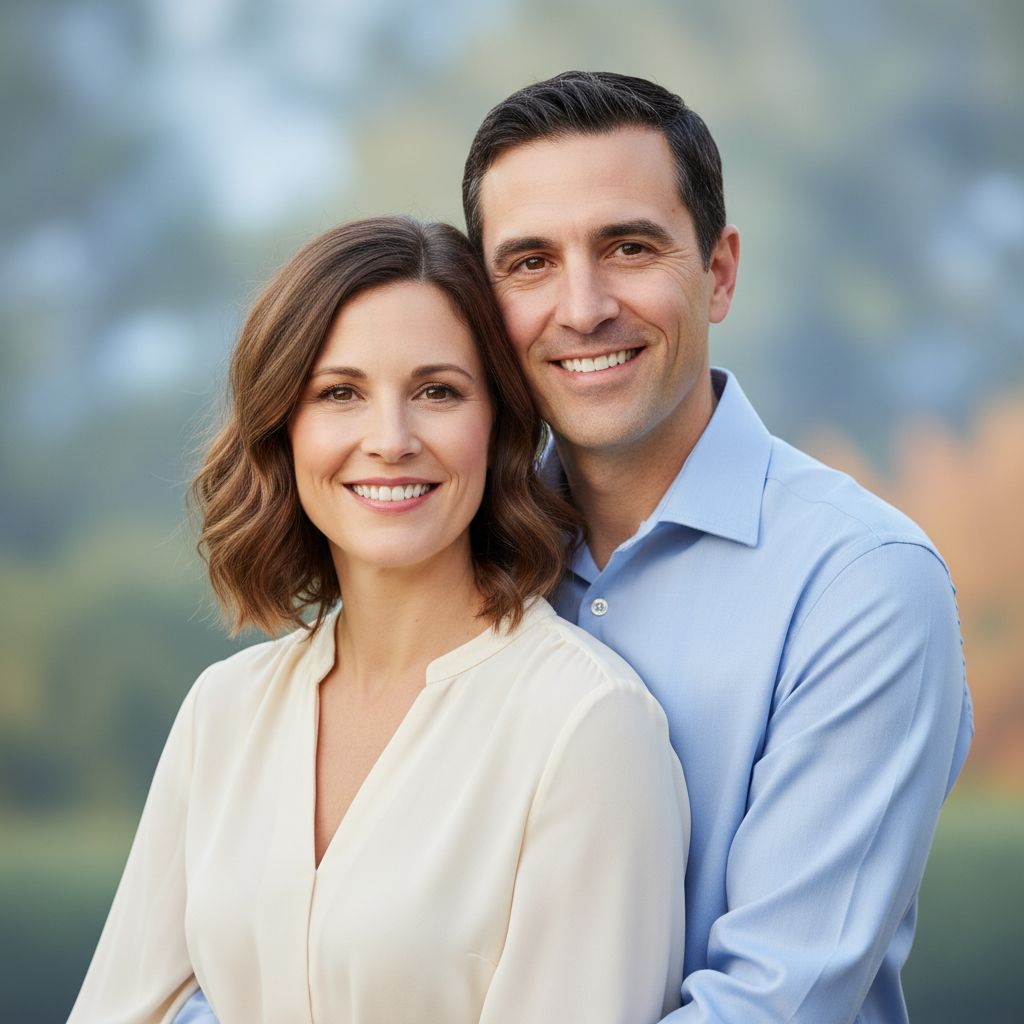
Preset prompt
############################################### ############################################### ###############################################
Log in to view the full prompt and copy instructions.
Recommended settings
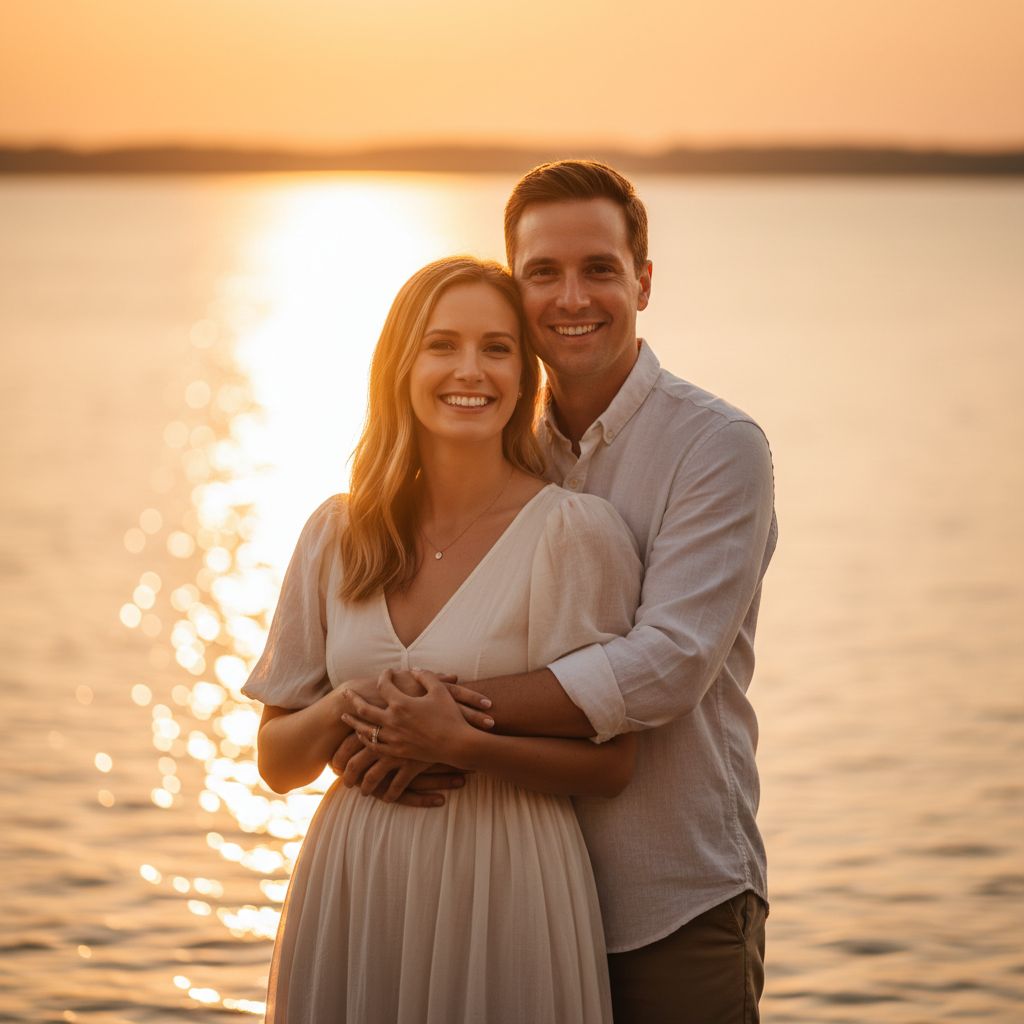
Preset prompt
############################################### ############################################### ###############################################
Log in to view the full prompt and copy instructions.
Recommended settings
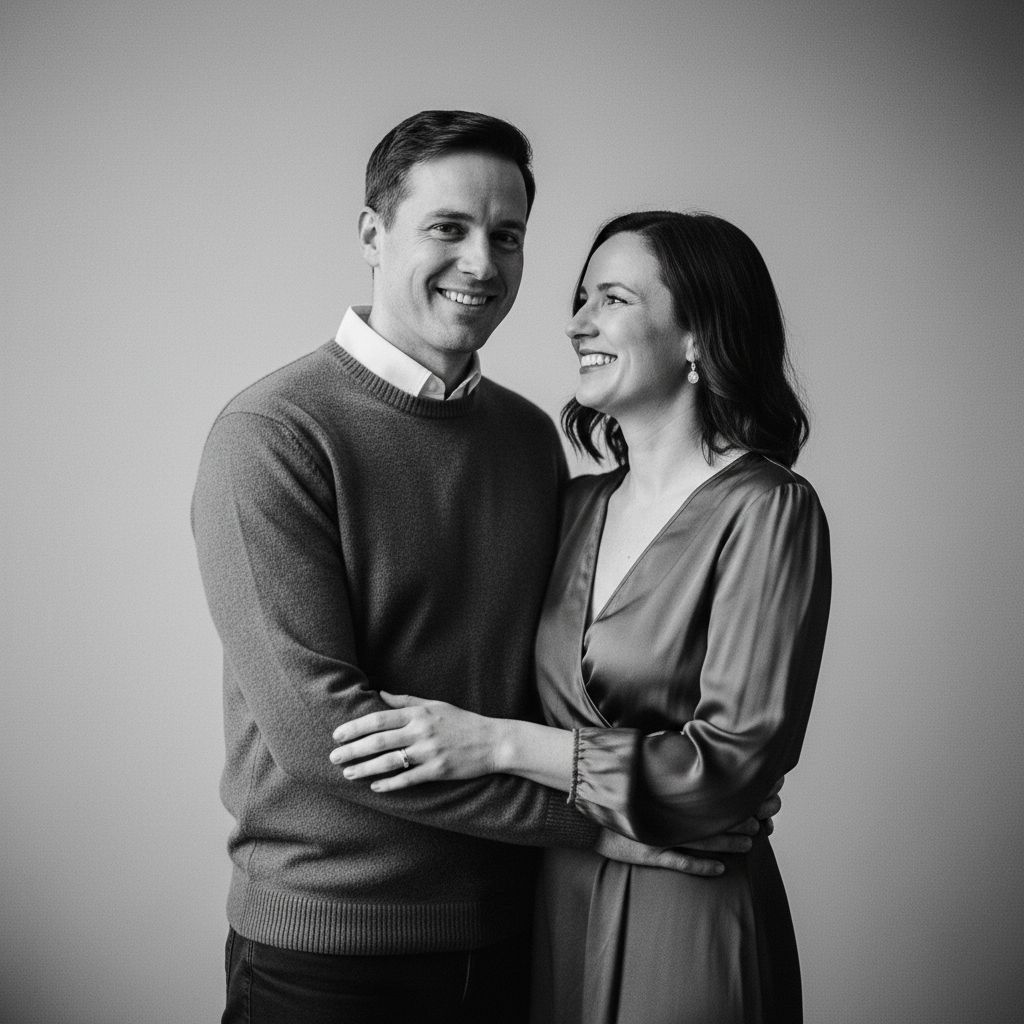
Preset prompt
############################################### ############################################### ###############################################
Log in to view the full prompt and copy instructions.
Recommended settings
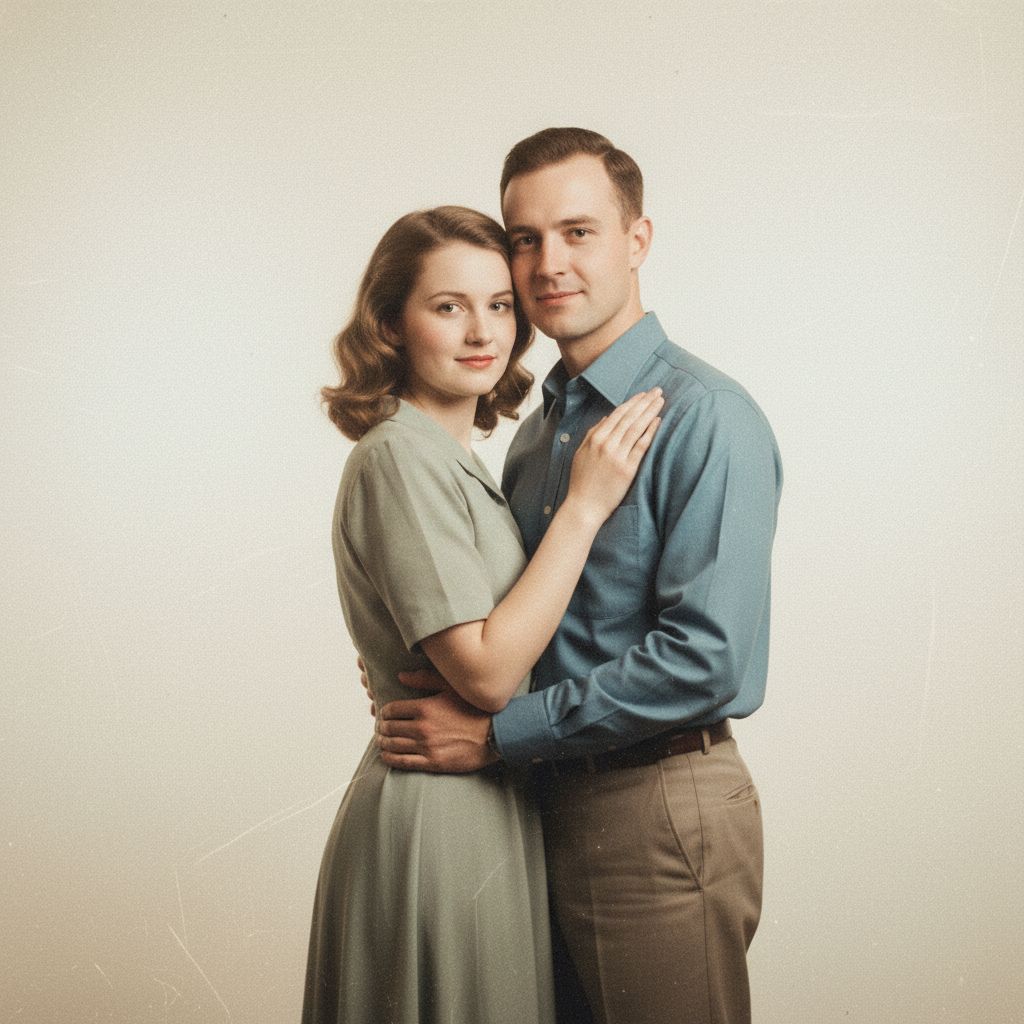
Preset prompt
############################################### ############################################### ###############################################
Log in to view the full prompt and copy instructions.
Recommended settings
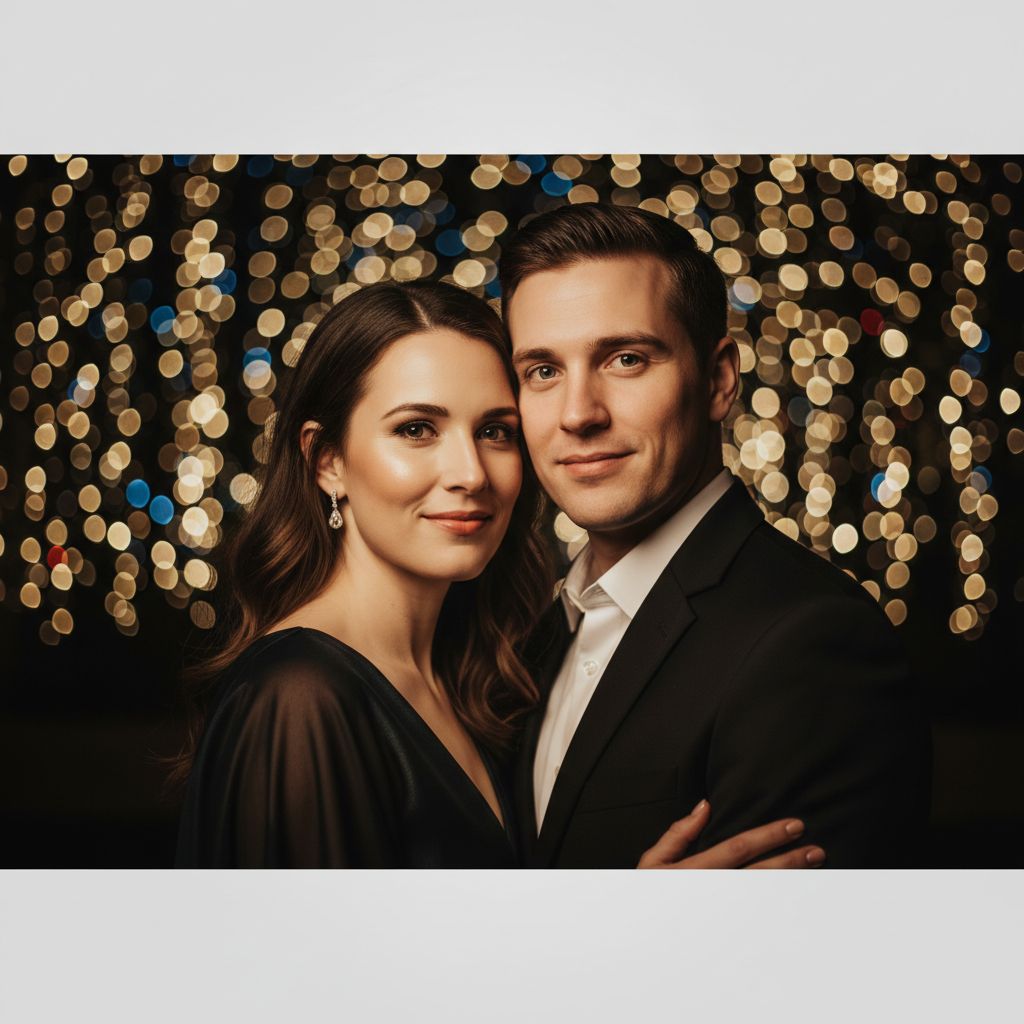
Preset prompt
############################################### ############################################### ###############################################
Log in to view the full prompt and copy instructions.
Recommended settings
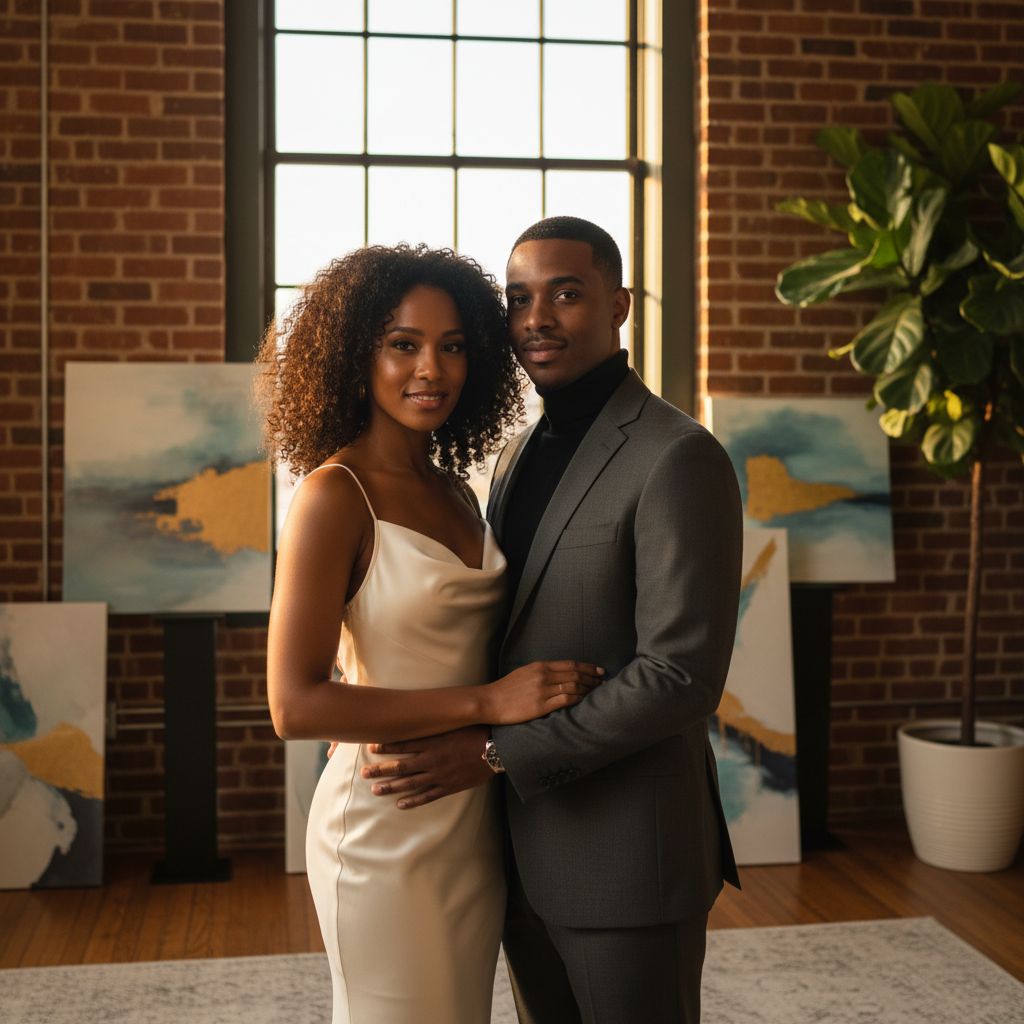
Preset prompt
############################################### ############################################### ###############################################
Log in to view the full prompt and copy instructions.
Recommended settings
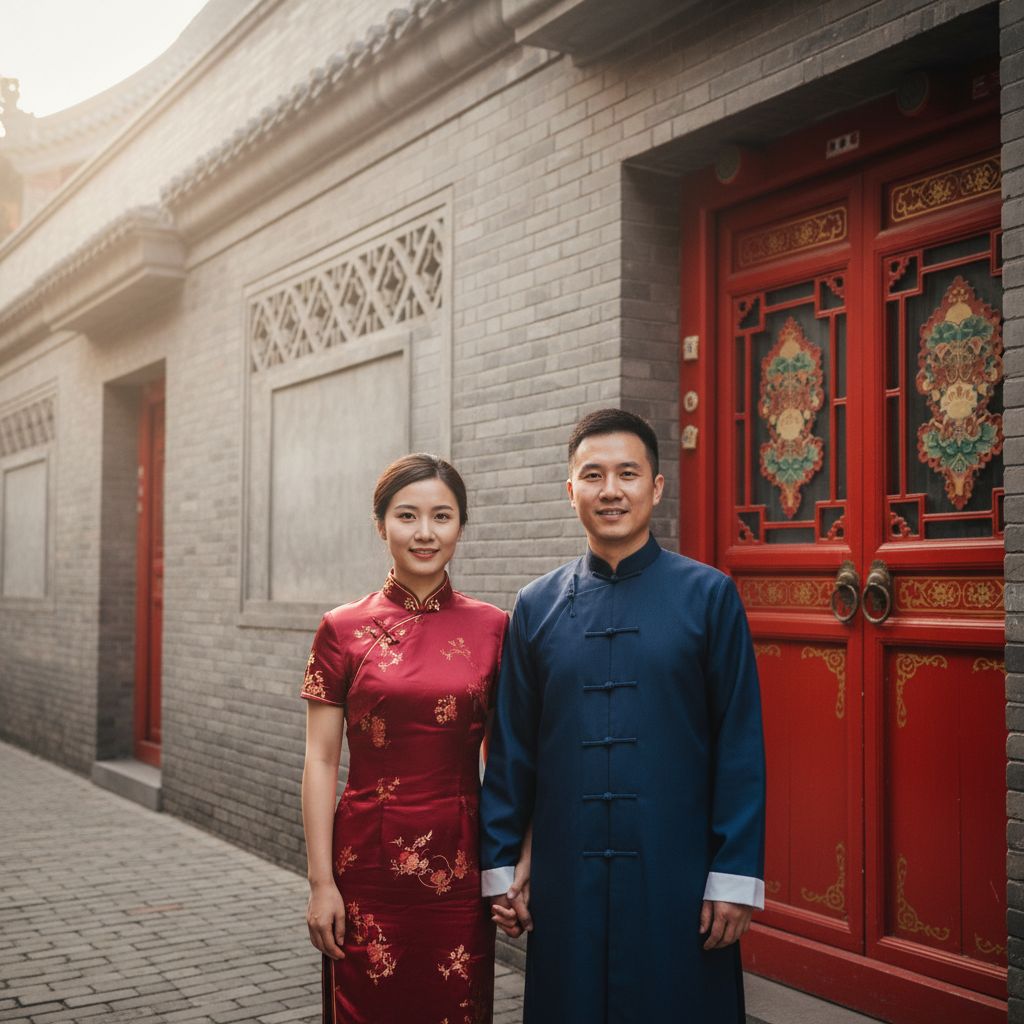
Preset prompt
############################################### ############################################### ###############################################
Log in to view the full prompt and copy instructions.
Recommended settings
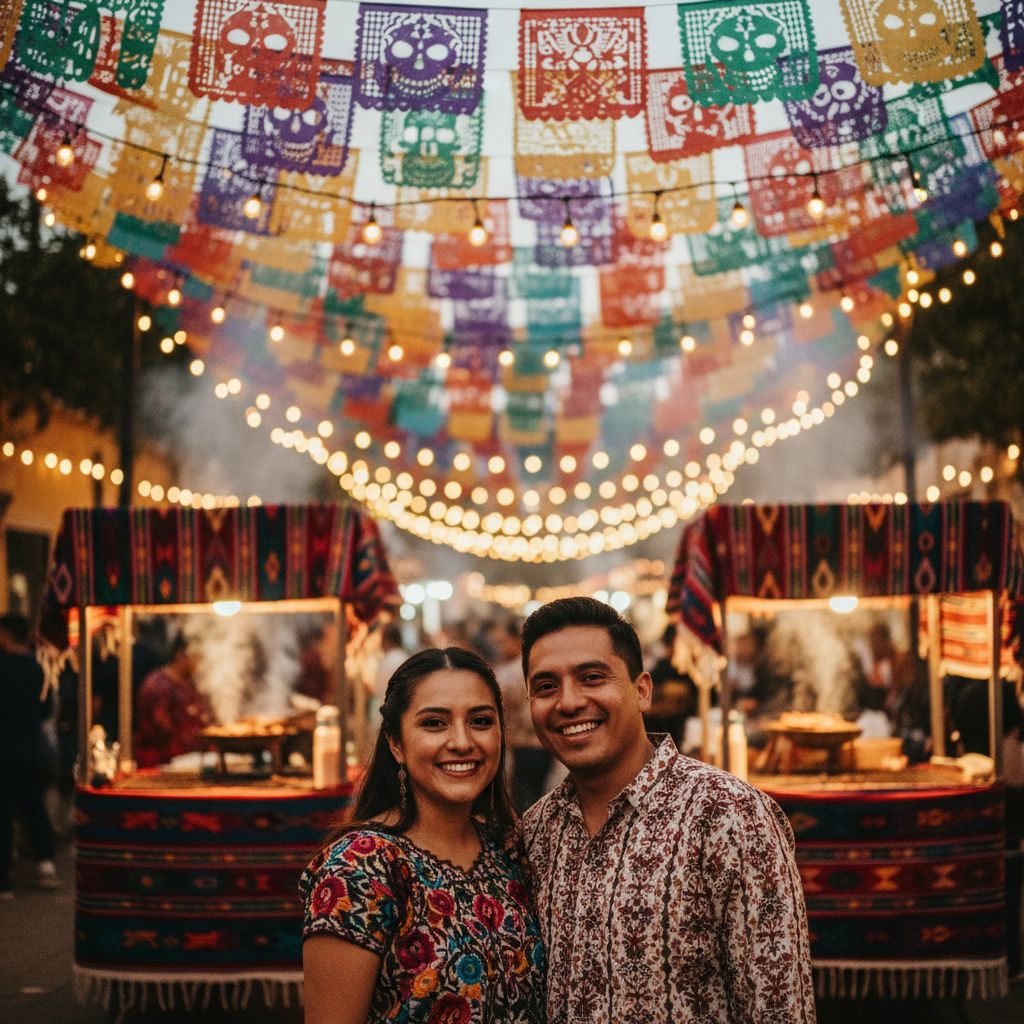
Preset prompt
############################################### ############################################### ###############################################
Log in to view the full prompt and copy instructions.
Recommended settings
Preset prompt
############################################### ############################################### ###############################################
Log in to view the full prompt and copy instructions.
Recommended settings
Preset prompt
############################################### ############################################### ###############################################
Log in to view the full prompt and copy instructions.
Recommended settings

Preset prompt
############################################### ############################################### ###############################################
Log in to view the full prompt and copy instructions.
Recommended settings
Preset prompt
############################################### ############################################### ###############################################
Log in to view the full prompt and copy instructions.
Recommended settings
What Are AI Save the Date Photos?
AI save the date photos give engaged couples a fast, affordable way to create professional-quality portraits for their wedding announcements. Instead of booking a separate photoshoot just for save-the-date cards, you upload your favorite couple selfies and our AI generates polished, print-ready portraits in various romantic settings. The results are styled specifically for announcement cards, with compositions that leave room for text overlays and maintain clarity at standard print sizes.
How to Create the Perfect Save the Date Portrait
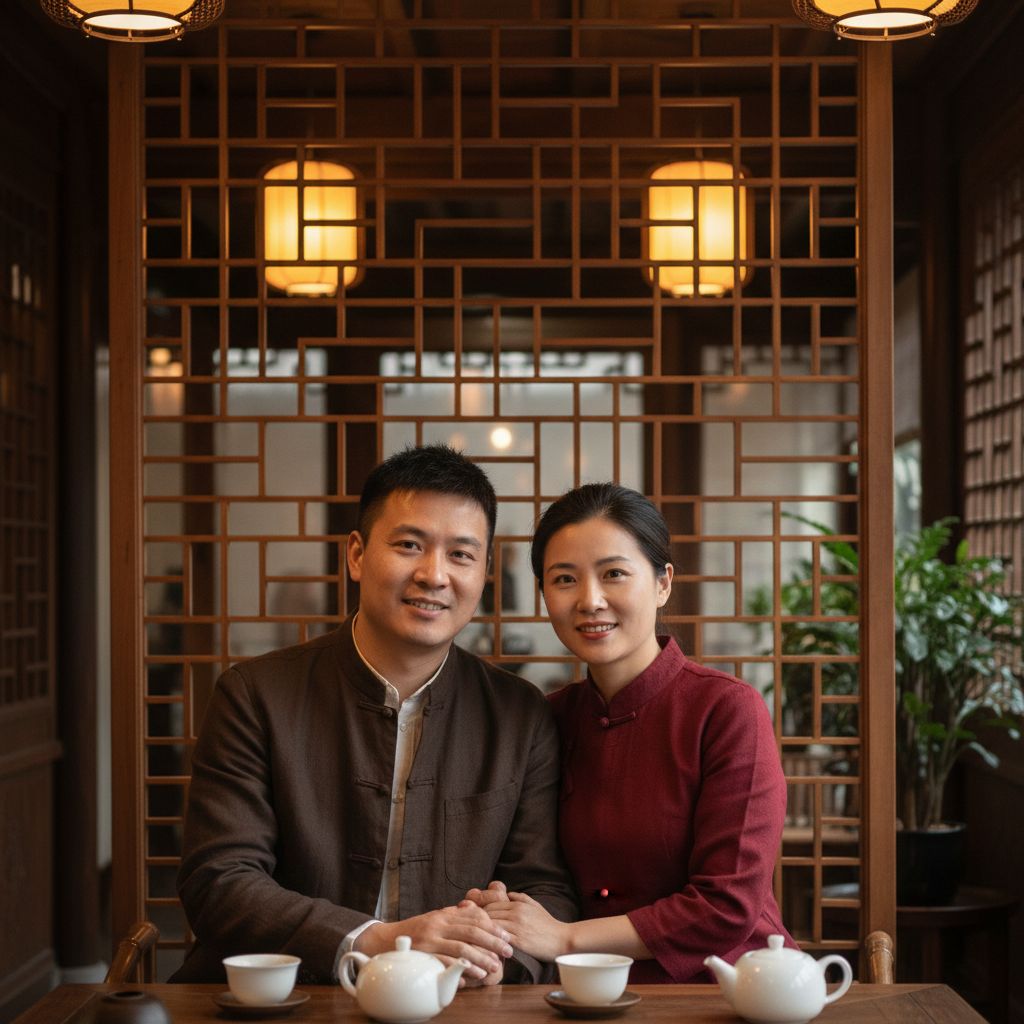
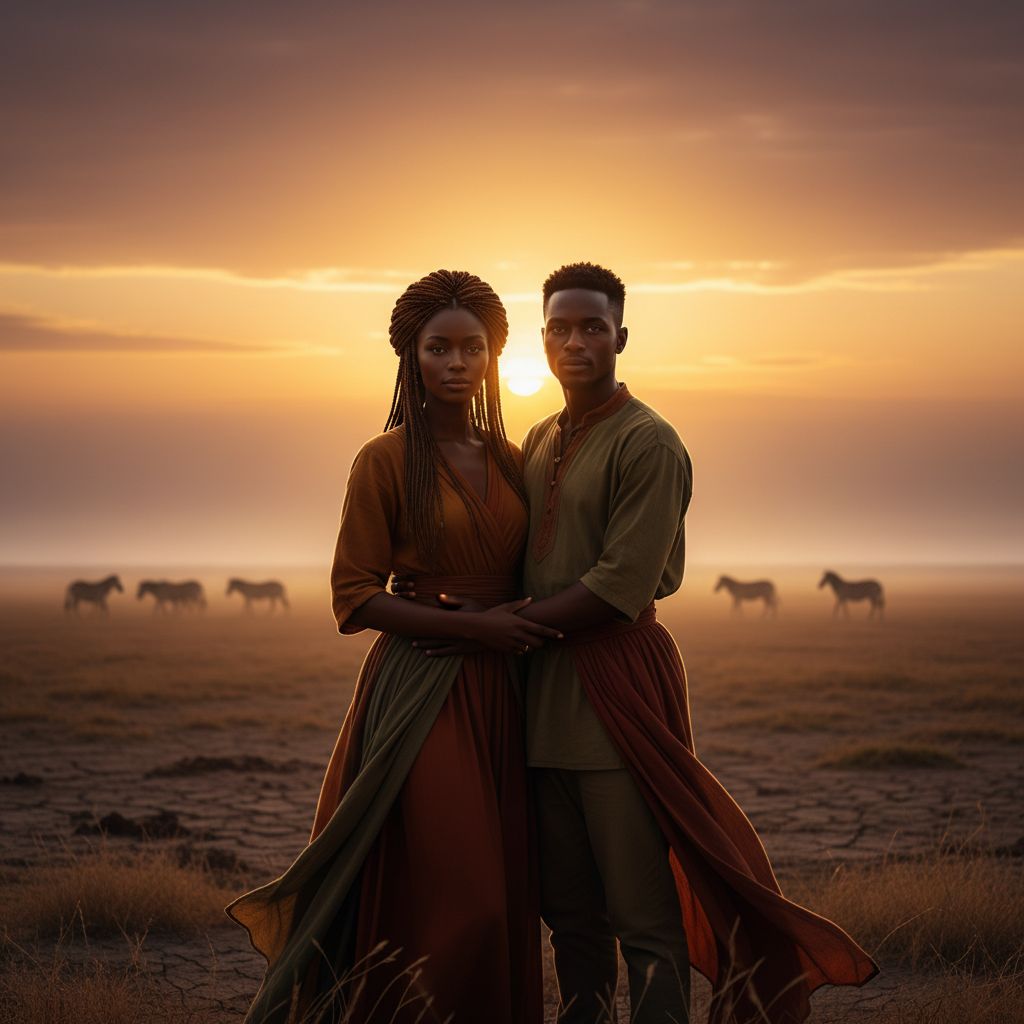
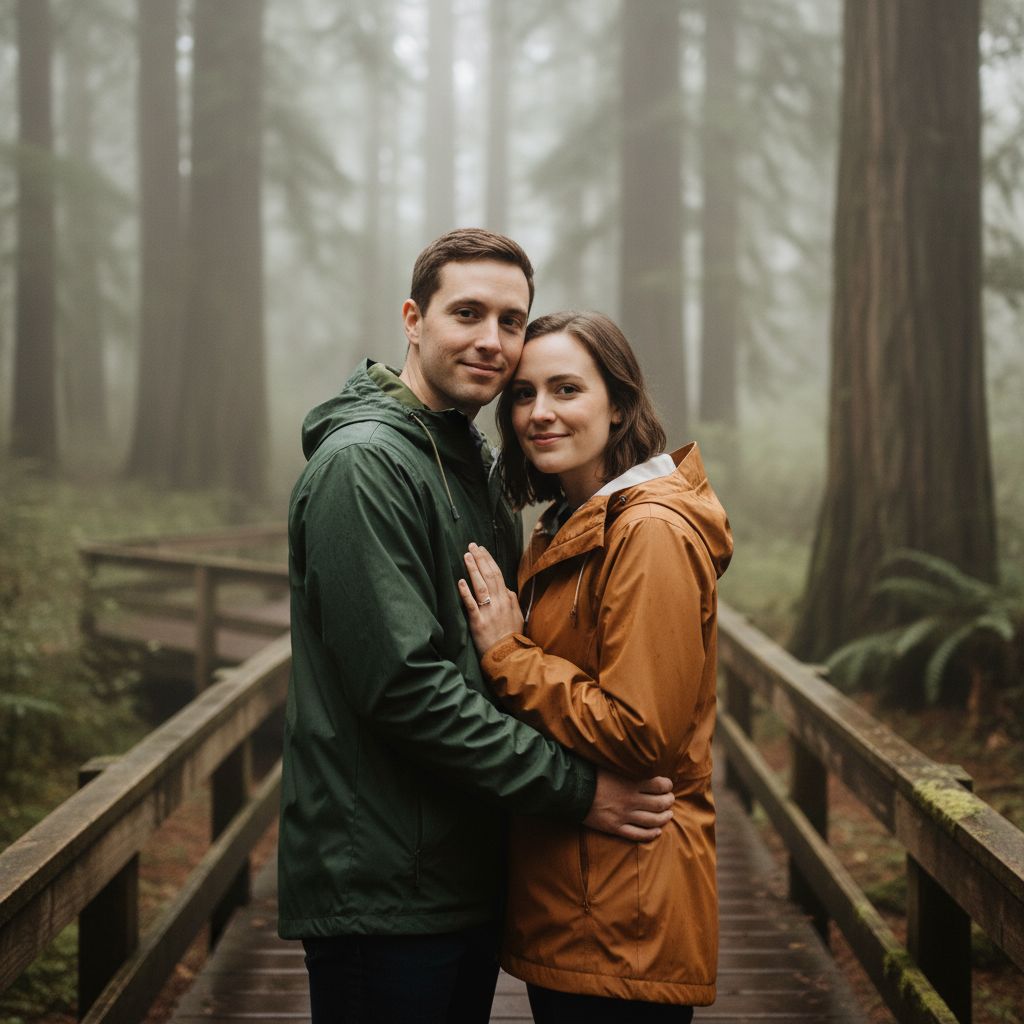
Start by uploading 1-2 clear couple photos with good lighting and visible faces. Choose a preset that matches your wedding aesthetic: garden elegance for outdoor weddings, urban chic for city celebrations, beach sunset for destination events, or classic studio for timeless formality. Generate multiple options to compare. The best save-the-date photos use a setting that hints at your wedding theme without being too busy, leaving visual space for your names, date, and venue details when printed on the card.
Save the Date Photo Tips
For the most effective save-the-date portraits, consider these guidelines: choose a style that matches your planned wedding aesthetic so the announcement feels cohesive with the event. Select backgrounds with softer, less detailed areas where text can be overlaid. Opt for portraits where both faces are clearly visible and centered. Avoid overly dramatic lighting that might clash with printed text. Our AI generates images at resolutions suitable for 5x7 and 6x8 card printing, the most common save-the-date formats.
Cost Comparison: AI vs Traditional Save the Date Photos
A professional engagement photoshoot for save-the-date cards typically costs $300-$800, not including the printing itself. With AI generation, you can create dozens of portrait options for a fraction of that cost and pick the perfect one. You also save time: no scheduling, no travel, no weather delays. Many couples use AI-generated portraits for their digital save-the-dates and email announcements while reserving professional photography for the actual wedding day.
AI Save the Date Photo FAQ
Are AI save the date photos high enough resolution for printing?
Yes. Pro and Premium subscribers receive high-resolution downloads suitable for standard card printing sizes including 5x7, 6x8, and postcard formats.
Can I add text and dates to the generated photo?
Our tool generates the portrait itself. You can then import the high-resolution image into any card design tool like Canva, Adobe Express, or Minted to add your text, dates, and design elements.
How many save the date options can I generate?
You can generate as many variations as your credit balance allows. Most couples generate 5-10 versions with different styles before selecting their favorite for the card.
You Might Also Like
Engagement Photos from Your Selfies
Upload couple selfies and generate romantic engagement photos with beach sunset, garden, cinematic, and film-inspired looks — ready for save-the-dates and social sharing.
Wedding Couple Photos
Transform your selfies into elegant wedding portraits — from first dance to ceremony shots, all powered by AI.
Studio Portrait for Couples
Professional studio-quality couple portraits generated by AI. Clean backgrounds, perfect lighting, and polished results.
Outdoor Adventure Couple Photos
Generate epic outdoor adventure couple portraits. Mountains, forests, lakes, and dramatic landscapes as your backdrop.
Start Creating Your Save the Date Photo
Upload your selfies and generate beautiful couple photos in minutes.